Projects & time, part of WorkWize360
Pulse
The work platform that keeps your team on schedule
Pulse goes far beyond a task board. Plan projects, track issues, log time, and forecast capacity — then layer on AI-assisted task creation, biometric attendance, payroll integrations, and a configurable workday calendar. All scoped to your organisation and connected to the rest of the WorkWize360 ecosystem.

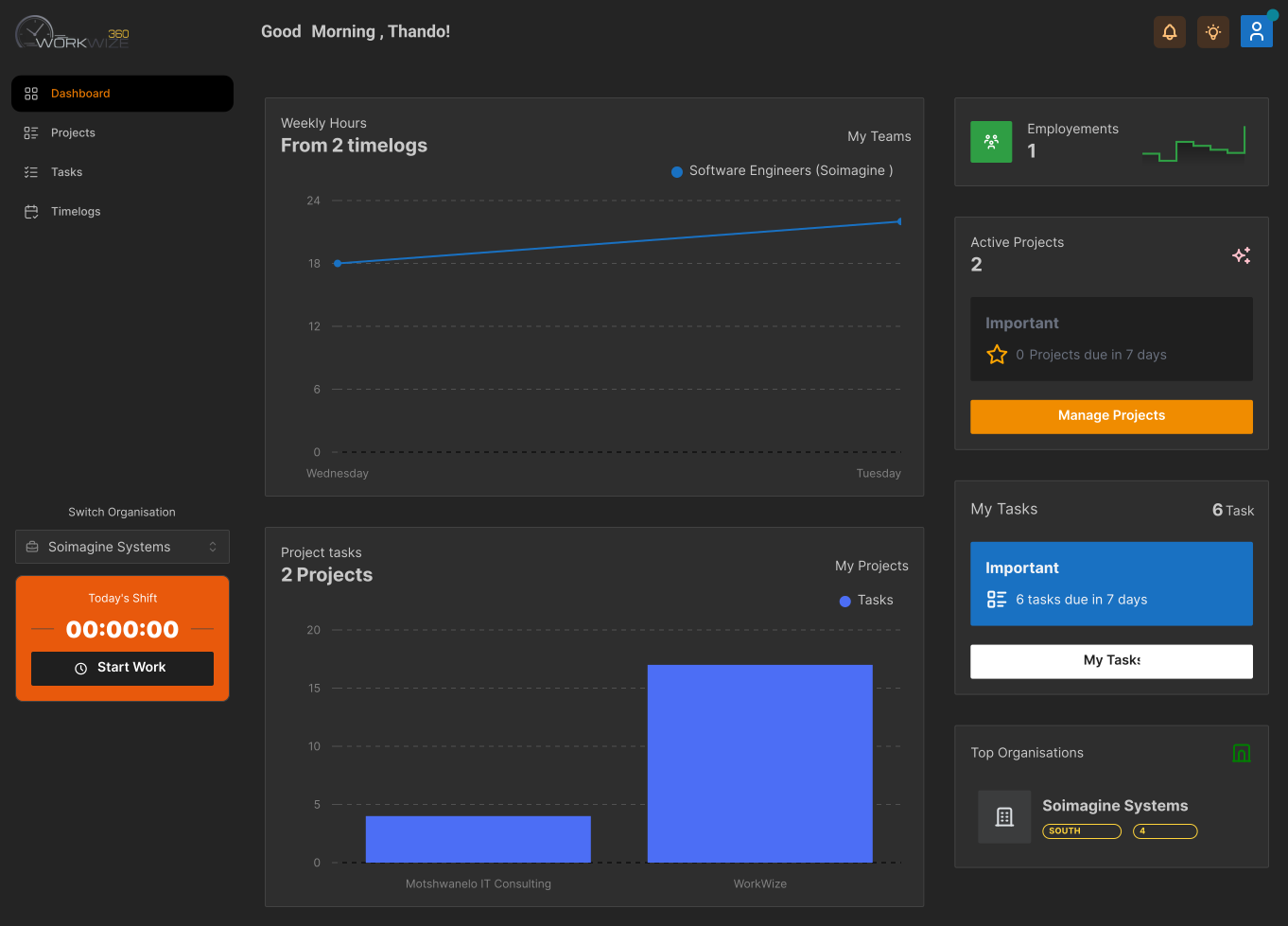
What Pulse does
Everything to ship projects on time
From the first plan to the final hour logged — and the payroll export after — Pulse covers the full project lifecycle without the busywork.
Projects
Organise work into short or on-going projects, each scoped to a team with owners, start and due dates, status, and optional client links.
Tasks
Break projects into tasks with priorities, assignees, estimated durations, checklists, comments, and file attachments.
Issues
Flag blockers against any task and track them to resolution so nothing slips through the cracks.
Time Tracking
Log time directly against tasks and checklist items to keep delivery on schedule and reporting accurate.
Task Templates
Pre-define reusable task blueprints with checklists so recurring work spins up in a click.
Custom Fields
Add your own fields to projects and tasks, with per-column visibility to match how your team actually works.
Roles & Access
Organisation-scoped, role-based access control keeps every project, task, and file visible only to the right people.
Client Access
Give clients scoped, read-only access to the projects that concern them — no internal noise, real-time updates.
AI-Assisted Tasks
Generate structured task suggestions from a scope document or review an existing project against its progress and issues — always advisory, you confirm before anything is created. Bring your own model key if you prefer.
Time & Attendance
Capture biometric presence events from supported hardware (e.g. Dahua) through a signed bridge, automatically opening and closing shifts and time logs.
Integrations & Webhooks
Inbound and outbound webhooks with secret rotation and guided payroll connectors (Payday, Sage, Xero) — described in plain business language, not technical jargon.
Workday Calendar
Define organisation working days and holidays, with team-level overrides for regional differences — no hardcoded weekends, so weekend-operating teams work correctly too.
Capacity Planning
Plan effort against real availability — factoring in leave and day-offs — and compare planned burn against actual logged hours to surface slippage early.
Real-Time & Auto-Status
Live updates via Pusher keep everyone in sync, while status automatically propagates from todos to tasks to projects as work progresses.